AI Meeting Notes and Transcription: The Solopreneur's Practical Guide to Granola, Otter, and What Actually Matters
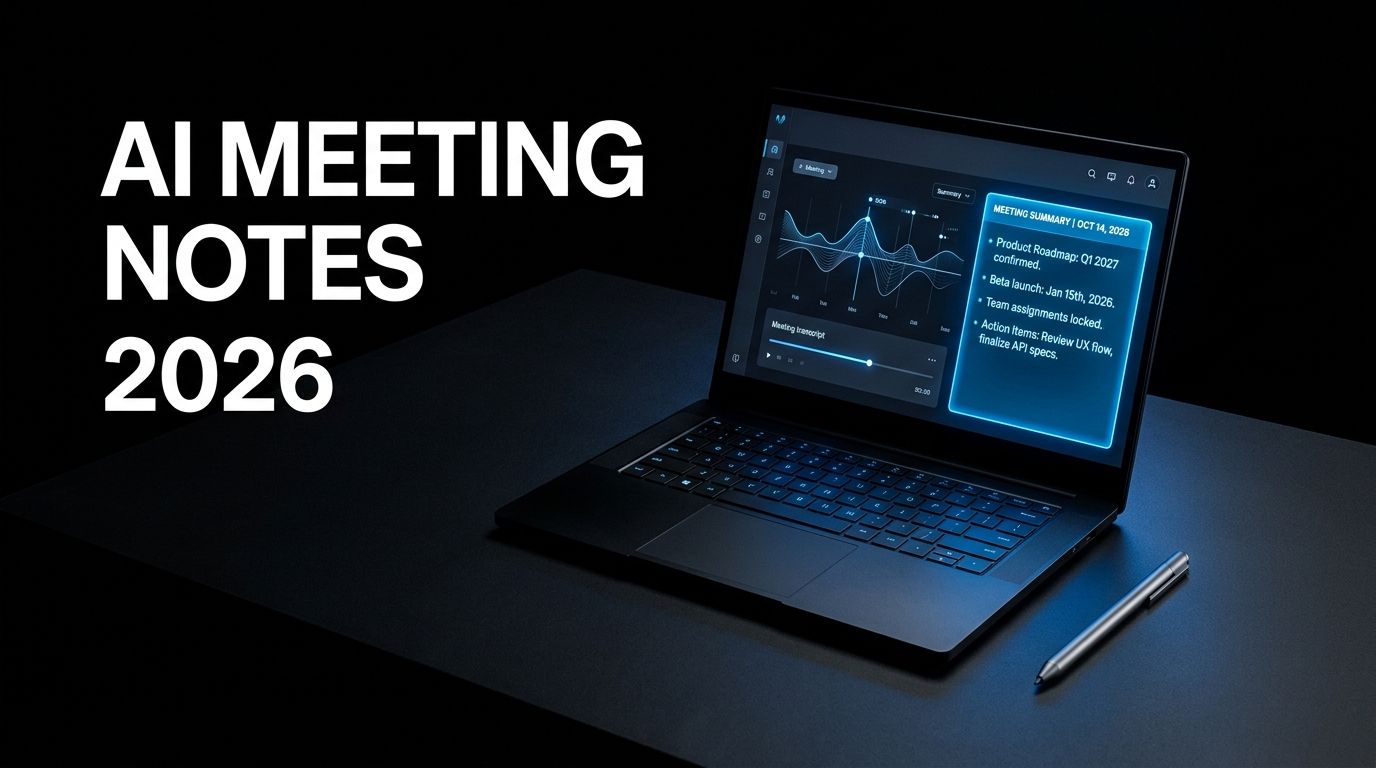
Every AI meeting note-taker in 2026 claims somewhere between 95 and 98 percent transcription accuracy, and after testing the major options, the differences on that single metric are small enough that accuracy alone should not decide which tool you pick. The decision people are actually making, but rarely naming explicitly, is whether they want a visible bot sitting in the participant list of their calls — and what happens to the notes after the meeting ends, which is where almost every tool in this category quietly stops delivering value.
If you're short on time, here's the key takeaway: AI meeting note-takers split into two camps — bot-based tools (Otter, Fireflies, Fathom) that join your call as a visible participant and produce a live, shareable transcript, and bot-free tools (Granola) that capture system audio locally and enhance notes you type yourself, with nothing joining the call. For solo client calls where candor matters, bot-free is usually the better fit. For internal meetings or anything needing a searchable, shareable archive, a bot-based tool with transcript search is more useful. Almost none of them handle what happens after the meeting — action items still need to move somewhere, and that gap is worth planning around before picking a tool.
Why "Best AI Note Taker" Is the Wrong Question
Most comparison content in this category ranks tools as if there is a single best option, when the honest answer depends entirely on what artifact you actually need ten minutes after the meeting ends. A concise, edited decision record you will send to a client is a different requirement than a replayable audio archive someone might need to review later, which is different again from a shared transcript feeding a CRM or a sales coaching workflow.
Start with the artifact you need, not the tool with the highest star rating. Choose a note-first tool when you will personally edit and send a concise recap. Choose a recording-first tool when someone — you or a client — might need to replay or verify the actual conversation later. Choose a tool with CRM integration when transcripts need to feed directly into a sales or client-management workflow rather than existing as a standalone document. This framing matters more for a solopreneur than for a team, because you are the only person deciding what happens with the output — there is no second stakeholder whose workflow needs are separately accommodated.
The Bot Question Most Guides Skip
The single most consequential decision in this category is whether a visible bot joins your meeting. Otter's OtterPilot, Fireflies, and most bot-based tools appear in the participant list as a named attendee, visible to everyone on the call. Granola takes the opposite approach — it captures system audio locally on your Mac or Windows machine without anything joining the call as a participant, and enhances the notes you type yourself with context pulled from the transcript afterward.
This matters more than it might initially seem, particularly for client-facing and sales calls. The moment a bot announces itself in a client conversation, the tenor of the conversation genuinely changes — people speak more guardedly once they know every word is being recorded and transcribed by a visible third party. For internal team meetings where everyone already expects and accepts recording, this concern mostly disappears. For candid client conversations, sensitive discussions, or interviews where you want to be fully present rather than managing the fact that you are being recorded, bot-free capture is a meaningfully different experience, not just a cosmetic preference.
The tradeoff runs in the other direction on audio retention. Bot-based tools like Otter keep the original audio recording, giving you playback and export capability — genuinely useful if a conversation's exact wording is ever disputed or needs to be revisited precisely. Granola discards the audio after transcription entirely — there is no playback, no way to verify the raw recording after the fact. You cannot currently get bot-free capture with full audio retention in either category; the tradeoff is structural to how each approach works, not a feature gap either vendor is likely to close soon.
What the Major Tools Actually Do Well
Granola is the clearest choice for solo operators who value their own note-taking process and want AI to enhance it rather than replace it entirely. You type fragments during the call — "check the contract date," "this is the actual objection" — and Granola treats those fragments as context when generating the enhanced, polished note afterward. The result starts closer to a document you would actually send or file, rather than a raw transcript requiring separate cleanup. The tradeoff: desktop-only (Mac and Windows), with iOS support for phone calls but no Android and no web app — a genuine limitation if you frequently take calls from a phone or a Chromebook.
Otter remains the strongest option when a shared, searchable, replayable transcript matters more than a private, editable note. Multiple participants can view and annotate the transcript in real time during the call itself, which genuinely helps in collaborative internal meetings. Otter has expanded into sales-specific workflows with CRM integration and automated follow-up emails on higher-tier plans, making it a more natural fit for anyone running structured sales calls as a core part of their business.
Fathom is worth specific attention for its free tier, which is unusually generous for this category — unlimited recording, unlimited storage, and AI summaries with no time limit and no credit card required. For a solopreneur not yet ready to commit to a paid tool, Fathom's free tier is genuinely usable rather than a crippled trial designed to push an upgrade, and it added an optional bot-free capture mode in 2026 as well, narrowing the gap with Granola on that specific dimension.
The Gap Almost Every Tool Shares
After testing the category extensively, one pattern holds consistently across nearly every option: most tools are genuinely good at transcription and summarization, and almost none are good at what happens after. Action items get captured accurately in the summary but do not move anywhere on their own. The follow-up email still needs to be drafted manually. The specific next step discussed on the call still needs to be added to your task system by hand. The meeting record exists as a clean, accurate document — but the follow-through does not happen automatically just because the note is well-written.
This connects directly to the broader system architecture covered in the Notion AI workspace setup for solopreneurs — a meeting note-taker produces a clean record, but turning that record into a task that actually gets tracked and completed requires connecting it to wherever your task database actually lives. A handful of newer tools are starting to close this specific gap — extracting action items and auto-drafting follow-up emails as a distinct feature rather than treating the note itself as the finished product — but as of 2026, treating the transcription tool and your task-management system as two separate, manually-connected pieces remains the realistic default for most solopreneurs.
How to Actually Choose
Test the artifact, not the feature list. Run the same real meeting through your two top candidates and compare the output you would actually send or file ten minutes later — the concise note, the shared transcript, the amount of manual cleanup each requires — rather than comparing marketing pages side by side. This single practical test surfaces the real difference between tools more reliably than any comparison article, because it reflects your specific meeting style and what you personally do with the output afterward.
For a solopreneur running primarily client and sales calls where candor matters, start with a bot-free option like Granola or Fathom's bot-free mode. For internal work, team coordination, or anything where a searchable, shareable transcript archive genuinely matters more than a private polished note, a bot-based tool like Otter or Fireflies is the better starting point. Most tools offer a usable free tier — test on a handful of real meetings before committing to a paid plan on either side of the bot question.
What I Like / What I Don't Like
What I like: Transcription accuracy across the major tools has genuinely matured to the point where it is no longer the differentiating factor it was a couple of years ago — the category-wide 95%+ accuracy claims are largely holding up in practice. The bot-free capture option genuinely changes the dynamic of sensitive or candid conversations in a way that matters for solo operators doing client work. Free tiers across most of the category (Fathom especially) are generous enough to genuinely test the workflow before spending anything.
What I don't like: The action-items-that-do-not-move-anywhere gap is a real, persistent limitation across nearly the entire category — the note gets written, and the actual follow-through still depends entirely on you manually transferring it somewhere it will get done. Platform limitations are real and specific — Granola's desktop-only, no-Android constraint is a genuine dealbreaker for anyone who frequently takes calls from a phone. And the bot-free versus bot-based decision, while genuinely important, is rarely explained clearly in vendor marketing, which pushes most people back toward evaluating tools primarily on transcription accuracy — a metric that has largely stopped being the meaningful differentiator it once was.
Bottom Line
AI meeting note-takers have matured to the point where transcription accuracy is close to solved across the major options, which means the real decision is about workflow fit — bot versus no-bot for client-facing candor, and what artifact you actually need to send or file after the call ends. None of the major tools fully solve the follow-through gap between a well-written note and an actually-completed task, which means connecting your meeting notes to wherever your real task system lives remains manual work for most solopreneurs in 2026, regardless of which specific transcription tool you choose.
Who should prioritize bot-free tools: any solopreneur running client or sales calls where candid conversation matters more than a shareable transcript archive. Who should stick with bot-based tools: anyone running internal team coordination or sales workflows where a searchable, CRM-connected transcript genuinely adds value beyond a private note.
Join the newsletter for more practical AI workflows and productivity systems.