AI Time Management Tools for Solopreneurs in 2026: What Actually Schedules Your Day (And What Just Adds a Dashboard)
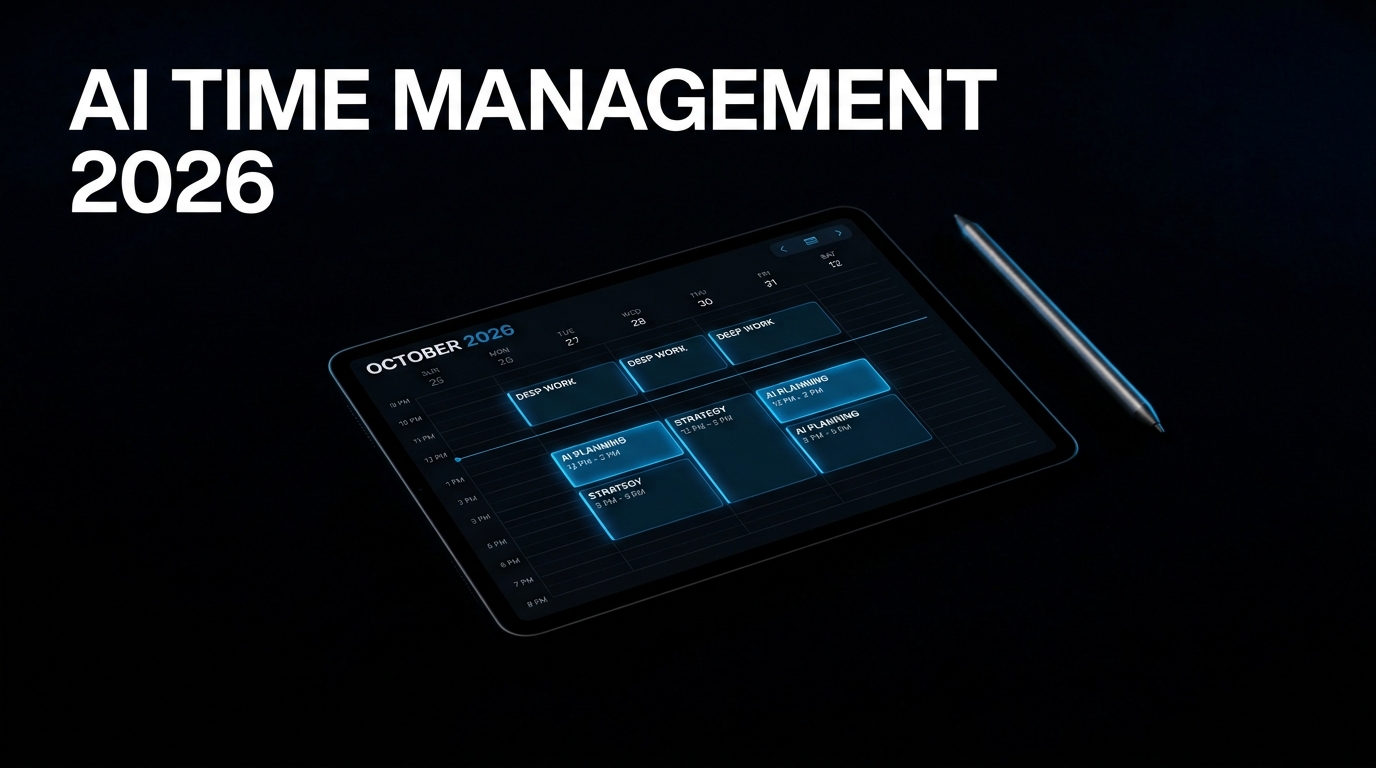
Most AI scheduling tools get sold with the same pitch: connect your calendar, and the AI handles the rest. What that pitch conveniently skips is that "handling the rest" means two entirely different things depending on the tool. Some AI schedulers actively rearrange your entire calendar every time something changes — booking a call at 2pm can trigger a cascade that moves four other tasks. Others quietly protect blocked time and find a different slot only when something actually conflicts with it. One approach feels like control. The other feels like your calendar rearranging itself while you watch, which the productivity community has started calling "AI calendar anxiety" for good reason. Picking the wrong one for your working style costs you more time than the manual scheduling it was supposed to replace.
If you're short on time, here's the key takeaway: The AI time management tools that actually work for solopreneurs fall into two categories — booking tools (Calendly, TidyCal) that eliminate the back-and-forth of scheduling calls, and calendar protection tools (Reclaim, Motion) that defend focus time and reschedule around it automatically. Independent testing shows active users save 4–5 hours per week. Reclaim is the right starting point for most solopreneurs — free, gentle, and effective. Motion is worth the $19/month upgrade only if your calendar is genuine chaos and you want full auto-pilot rescheduling. The tools that just add another dashboard without changing how your day actually gets scheduled are not worth the subscription.
Why This Is a Bigger Problem for Solopreneurs Specifically
Solopreneurs have a fundamentally different time management problem than employees or startup founders. There is no team to create external accountability, no manager to disappoint, and no organisational structure to catch work that falls through the gaps. The entire burden of choosing what to work on, scheduling when to do it, and evaluating whether the approach is working rests on one person who is simultaneously the CEO, the practitioner, the client manager, and the invoice department.
The tools that actually work for solopreneurs are not the most feature-rich ones. They are the ones that create the right amount of structure for a single person — clear priorities, protected time, honest feedback on whether the system is working — without the overhead of managing a complex tool stack that ends up requiring more management than it saves. This connects directly to the broader system architecture covered in Productivity & Business Systems for solopreneurs — time management is one layer of a larger operating system, not a standalone fix.
The Two Problems That Get Confused as One
Before evaluating any tool, identify which specific problem you actually have. If you lose time because your schedule falls apart under the weight of incoming requests, you need a tool that reschedules automatically. If you lose time because the work around your schedule never gets done despite having a clear calendar, you need a different kind of assistant entirely. Most people buy the wrong solution because they never stop to ask which problem they actually have.
The booking problem. If your time drain is the email back-and-forth of finding a meeting slot with clients or prospects, the fix is a booking tool. Calendly remains the industry standard for external-facing scheduling in 2026 — a shareable link, unlimited bookings on the free tier, and a polished experience that clients recognise and trust. For most solopreneurs, the free tier covers this need entirely.
The protection problem. If your time drain is deep work getting consumed by meetings, context-switching, and an ever-shifting task list, the fix is a calendar optimisation tool. This is where Reclaim and Motion operate — actively defending focus time and restructuring your calendar around stated priorities, rather than just displaying what is already scheduled.
Reclaim vs Motion: The Actual Behavioural Difference
The distinction between Reclaim and Motion is not a feature list. It is a philosophy about how aggressively an AI should touch your calendar, and it is the single most important factor in choosing between them.
Reclaim blocks time on your calendar for tasks and habits, but does not aggressively reshuffle everything when a conflict happens. If a habit or task block gets overbooked by another event, Reclaim marks that time as flexible and quietly finds another available slot — without cascading changes across your entire week. It learns your patterns over two to three weeks, and the early suggestions improve significantly as the AI accumulates data about how you actually work. The free tier is genuinely usable — most solopreneurs can run real AI scheduling on their existing calendar at zero cost.
Motion takes the opposite approach. Its AI actively rearranges your calendar to fit stated priorities, auto-scheduling tasks onto specific time blocks and rebuilding your day when plans shift. For someone whose calendar is genuine chaos — inconsistent hours, frequent last-minute changes, a workload that needs active triage rather than gentle protection — this aggressive rescheduling is exactly what solves the problem. For someone with a relatively stable routine, the constant reshuffling can produce the opposite of calm: a low-grade anxiety of never knowing what the afternoon will actually look like until Motion has finished rearranging it. Motion starts at $19/month for the Pro AI tier with no free plan, only a seven-day trial.
What the Time Savings Actually Look Like
Independent testing in 2026 shows active users of AI scheduling tools save four to five hours per week — eliminating email back-and-forth over meeting times, preventing double-bookings, and protecting deep work blocks that would otherwise be consumed by meetings and reactive task-switching. At a $50/hour value on your own time, four hours of weekly recovery represents $800–$1,000 per month in reclaimed capacity, against tools that cost between $0 and $19 per month. The math works decisively in favour of using at least one of these tools, regardless of which specific one fits your working style.
The gap between the marketing claim and the honest reality is smaller here than in most AI productivity categories. Scheduling logistics — finding available times, sending confirmations, protecting recurring blocks — is exactly the kind of repetitive, rules-based task that current AI handles reliably. The strategic decisions about what actually deserves your calendar time still belong to you.
How to Actually Set This Up Without Overbuilding It
Start free. Run Reclaim on your existing calendar before paying for anything. For most solopreneurs, this alone covers AI scheduling at zero cost and gives you two to three weeks of real data about whether calendar protection is even your actual bottleneck.
If you do not already have a task management system that Reclaim or Motion can pull from, add one before layering on a scheduling tool. The best AI planner for a solopreneur is one that pulls from your task app rather than replacing it — a place for tasks to live first, then a planner to schedule them, in that order. If your task database already lives in Notion, connecting it to a scheduling tool completes the loop described in the Notion AI workspace setup — tasks captured in one place, scheduled automatically in another.
Add Calendly or a similar booking tool separately if client-facing scheduling is a distinct pain point. These two categories — protection and booking — solve different problems and are worth running together rather than expecting one tool to do both jobs well.
Only upgrade to a paid tier when you can point to a specific, measurable friction the free tier is not solving — not because a feature list looks appealing. Reclaim's paid tier and Motion's entry tier both exist for genuine reasons, but neither is the right starting point before you have tested whether the underlying problem is even the one you think it is.
What I Like / What I Don't Like
What I like: The category has matured enough in 2026 that the honest reviews are genuinely useful rather than affiliate-driven noise — the Motion vs Reclaim distinction is well-documented and consistent across independent sources. Reclaim's free tier is a legitimate way to test real AI scheduling without financial commitment, which removes most of the risk from trying this category at all. The time-value math is straightforward and favourable regardless of which specific tool you choose, as long as you choose one that matches your actual working style.
What I don't like: Motion's aggressive rescheduling genuinely does not suit everyone, and the marketing rarely mentions this upfront — solopreneurs with relatively stable routines may find the constant calendar movement more disruptive than the problem it solves. Outlook and Microsoft 365 integration remains less reliable than Google Calendar support across most tools in this category, which matters if your business runs on Microsoft's ecosystem. And the temptation to add a third or fourth scheduling tool on top of an already-working setup is real — more tools in this category rarely means more time saved past a certain point.
Bottom Line
Time management tooling for solopreneurs in 2026 splits cleanly into two problems and two categories of solution. Identify which one you actually have before evaluating any specific tool. If meeting scheduling with clients is the drain, a booking tool like Calendly solves it at no cost. If focus time getting consumed by an unprotected calendar is the drain, Reclaim's gentle protection is the right starting point for most solopreneurs, with Motion's more aggressive auto-scheduling reserved for genuinely chaotic calendars that need active rebuilding rather than quiet defence.
Who should invest here now: any solopreneur who has felt the four to five hours per week disappear into scheduling friction and has not yet tried a free-tier AI scheduling tool to address it. Who should wait: anyone whose actual bottleneck is unclear priorities rather than calendar chaos — a scheduling tool optimises time allocation, it does not tell you what deserves the time in the first place.
Join the newsletter for more practical AI productivity systems.